
What is the Curation Tray?
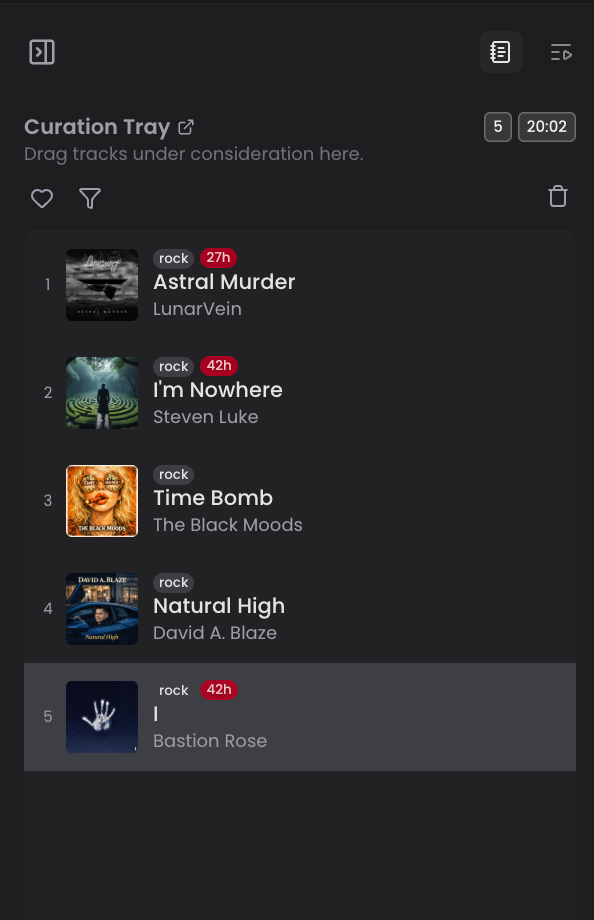
The Curation Tray is a persistent staging area where you can collect songs from any marketplace before committing to a placement or review.
The Curation Tray
What Is It?
The Curation Tray is a persistent staging area where you can collect songs from any marketplace before committing to a placement or review. It eliminates the need to make impulse decisions the moment you hear a song you like.
How It Works
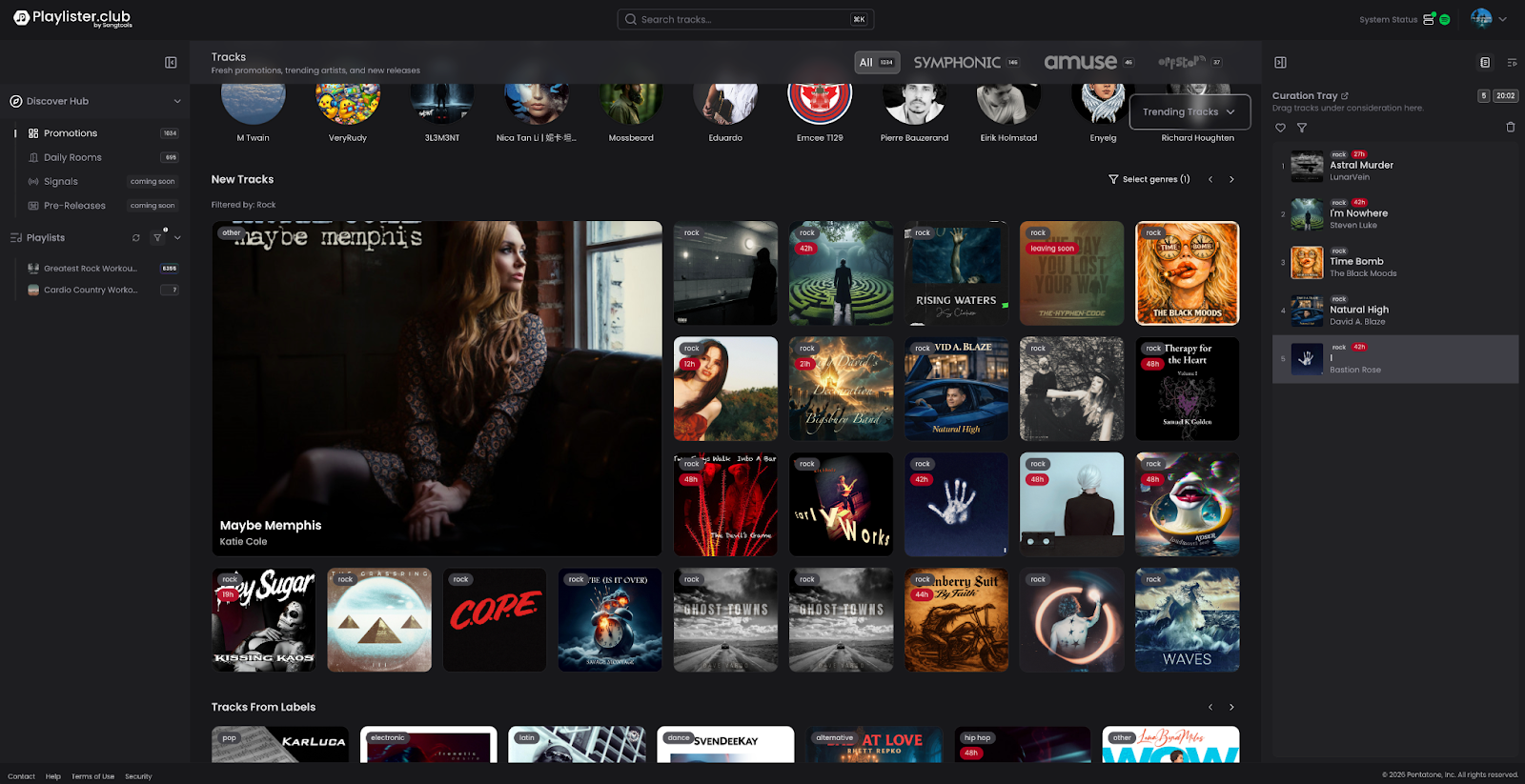
- Drag and drop any song from any marketplace (Promotions, Rooms, Music Match) directly into your Curation Tray
- The tray appears as a panel on the right side of your dashboard
- Songs in the tray are ordered by preference — you can rearrange them by dragging them into the order you want
- The tray persists across sessions — if you add songs in the morning and come back after lunch, your tray will be exactly as you left it
- The tray has no song limit — you can stage as many songs as you like
- You can expand the tray to make it the main focus of your workspace when you're ready to make placement decisions
Song Expiration
Songs don't stay in your tray forever. Here's how expiration works:
Promotions
- Expiration Time: 7 days from when added
Daily Rooms
- Expiration Time: When the room resets (midnight UTC)
Any source
- Also expires if the promotion itself expires
- Each song in the tray displays a countdown timer showing exactly when it will expire
- Example: "This song expires in 14 hours" — act before it disappears
Favoriting Songs in the Tray
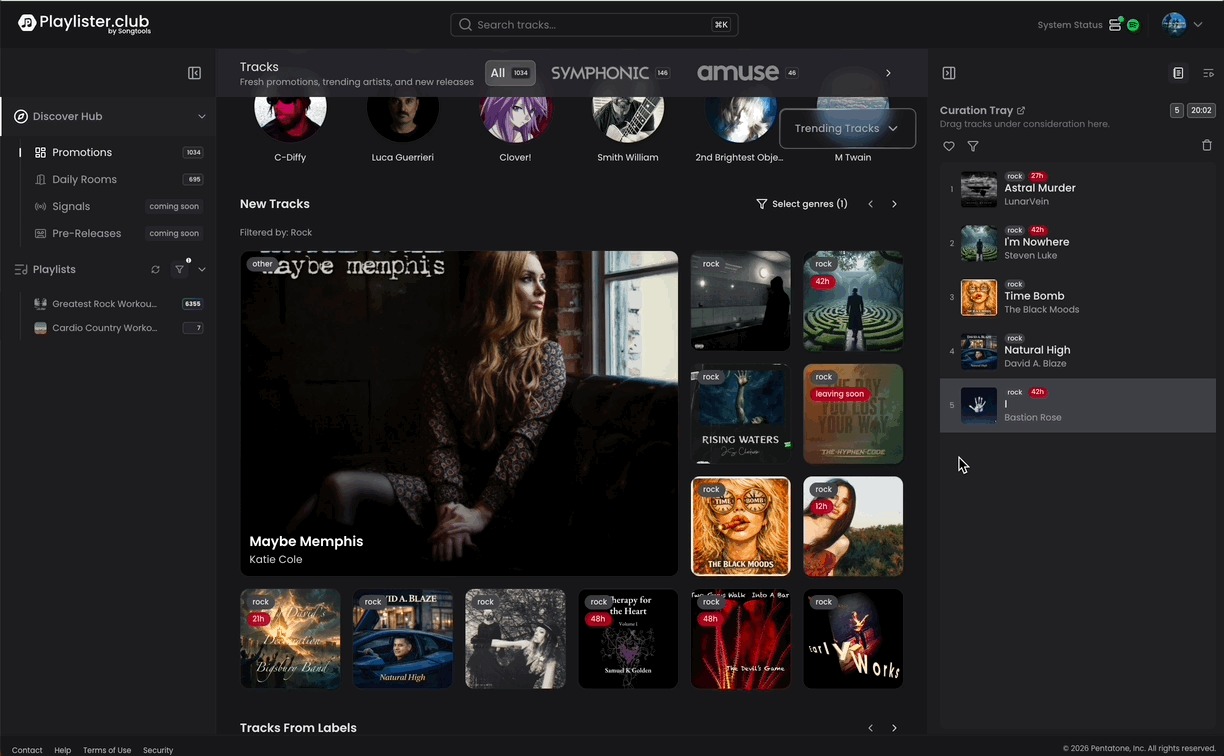
- You can favorite a song within your Curation Tray to mark it as a priority
- Favoriting represents a second, stronger level of intent — you're not just staging it, you're signaling you love it
- Both adding to the tray AND favoriting send retargeting signals to the artist (see Intent Signals below)
Intent Signals to Artists
This is an important feature to understand:
- When you add a song to your Curation Tray, the artist receives a notification that a playlister has staged their song
- When you favorite a song in your tray, the artist receives a stronger signal that a playlister loves their track
- These signals are sent without you needing to make a placement or review — they represent early intent
- This benefits artists by keeping them informed of curator interest at every stage
Source Tagging
- Every song in your tray is tagged with its source — whether it came from Promotions, Daily Rooms, or Music Match
- This helps you keep track of where you found each song and manage your time accordingly
Making Placements from the Tray
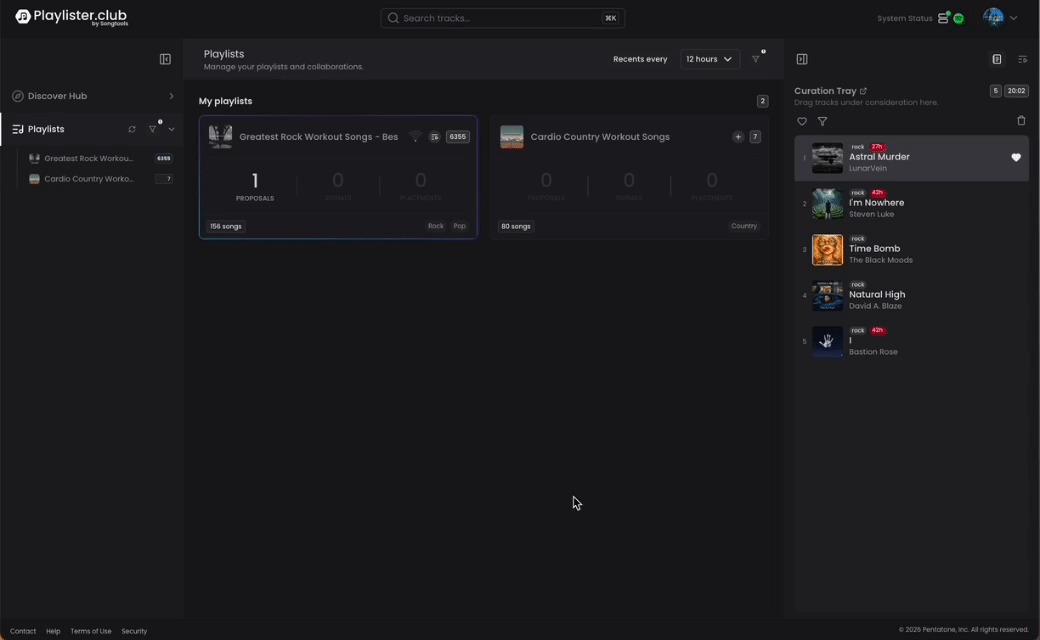
Once you're ready to act on songs in your tray, you have multiple options:
- Drag and drop a song from your tray directly onto a playlist at a specific position (top 5, top 10, middle, bottom)
- Use the dialogue to select which playlist to add it to (multi-playlist additions are still supported)
- Expand the combined view — place your tray and your playlist side by side for a seamless drag-and-drop experience
Tips
- Use the tray to batch your curation — collect songs throughout the day and make placement decisions when you're ready
- Pay attention to expiration timers, especially for songs sourced from Rooms
- Favoriting songs you love but aren't ready to place yet keeps the artist informed and engaged
