How do I select my song?
How do I select my song?
SongTools is song-centric. So before moving ahead with any of our tools, you need to select the song you want to promote.
There are currently two ways to do this:
- You can click the "Change song" icon next to the selected track in the left sidebar.
- Or, you can click "Not this song?" located just above the track name directly on the Marketplace page.
.jpg)

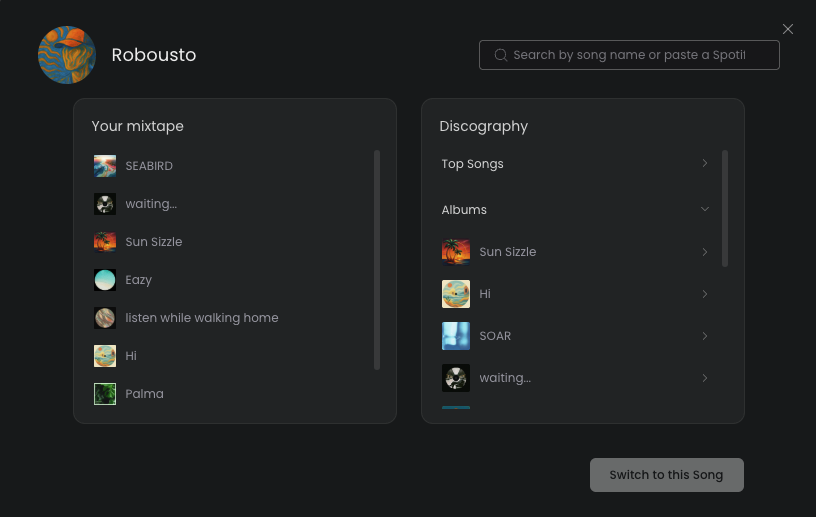
Once you’ve clicked on one of these, the menu to change your track should look something like this. Here you can input the track name or Spotify Track ID to search for and select your song: