
How do I purchase or launch a new campaign?
How do I purchase or launch a new campaign?
Follow this start guide to get your next Playlisting or Digital Ad campaign up and running!
1. Log in to your account: Head over to your dashboard on a desktop computer.
2. Find your track: Click on the "Change song" icon in the left-hand sidebar. (Or, you can click "Not this song?" located right above the track name on the Marketplace page).
.jpg)

3. Select your release: Search for your music using the track name, artist name, or your Spotify Track ID (preferred).
4. Choose your strategy: On your track's Marketplace page, click on the type of campaign you want, either a Playlisting campaign or a Digital Ad campaign (Instagram, TikTok, or Facebook).
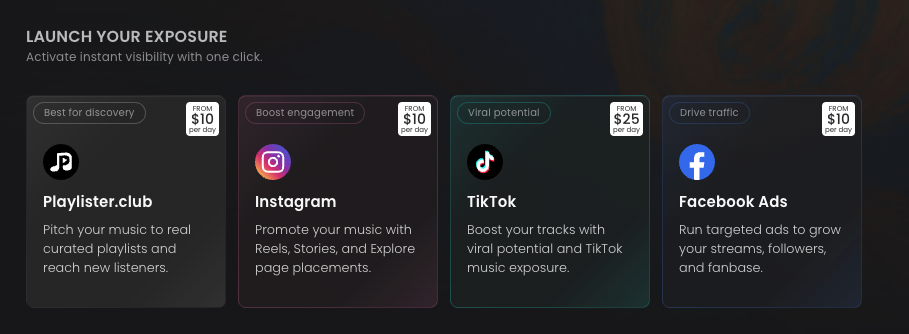
5. Set up and launch: Pick your ideal timeline and budget, then click "Buy Now" to get the campaign running immediately! (Or, click "Add to wishlist" to save it for later).
.jpg)
To target specific playlists or curated bundles for your track, continue with these steps to send Signals:
6. Target specific opportunities: Keep scrolling down the Marketplace page to browse individual playlists and curated Bundles. If you see ones that you want to target, simply drag and drop them into your Wishlist on the right-hand sidebar. This sets them up so you can send specific Signals using your credits.
7. Apply your credits: Once your Wishlist is fully built and your Signal (your custom video or message) is attached, you can apply your credits to launch everything all at once!
