
How do I increase my budget on SongFly?
How do I increase my budget on SongFly?
Have a campaign that is going well and want to re-up your budget?
- First, select the track you want to work on (by clicking on the "Change Song" icon in the left-hand sidebar)
- Head to your track's Marketplace page, and this will display all the active campaigns you currently have running:
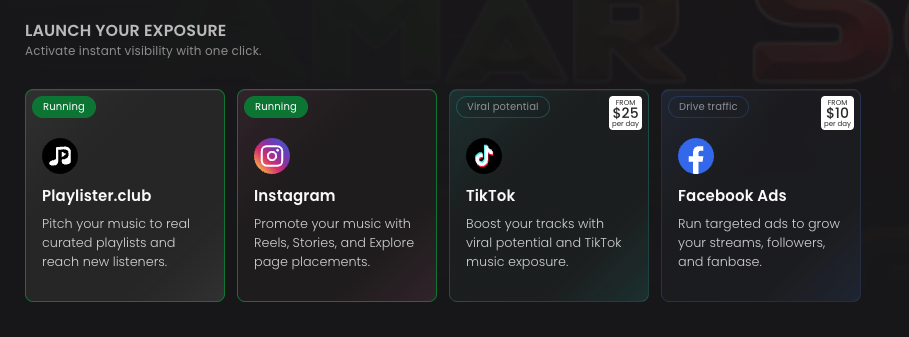
- Click on the Songfly campaign that's running and you want to adjust the budget for (either Instagram, TikTok or Facebook)
- This will direct you to this track's Songfly dashboard, where you can adjust the budget for any active campaigns or launch a brand-new one.
.jpg)
